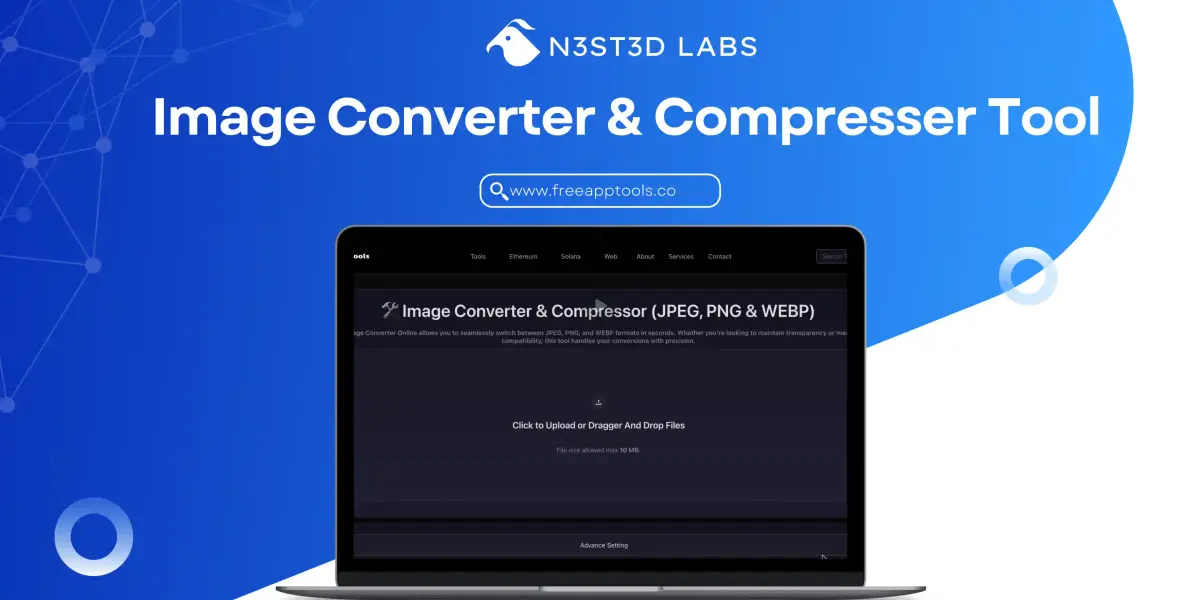
The Ultimate Guide to Using an Image Compressor Online: Master Web Optimization
Large images are the hidden poison of the modern internet. They wreck page load speeds, kill your mobile user experience (UX), and obliterate your SEO rankings.
Whether you are a professional photographer trying to showcase a portfolio or a web developer fighting for a sub-2-second load time, you have faced the enemy: heavy, bloated, high-resolution image files.
This is where a modern Image Compressor Online becomes your secret weapon. But this isn't just about making files smaller; it's about making them smarter. In this comprehensive guide, we will explore why image compression is non-negotiable, how to use an Image Converter Online to leverage next-gen formats like WEBP, and dive into real-world scenarios where these tools make all the difference.
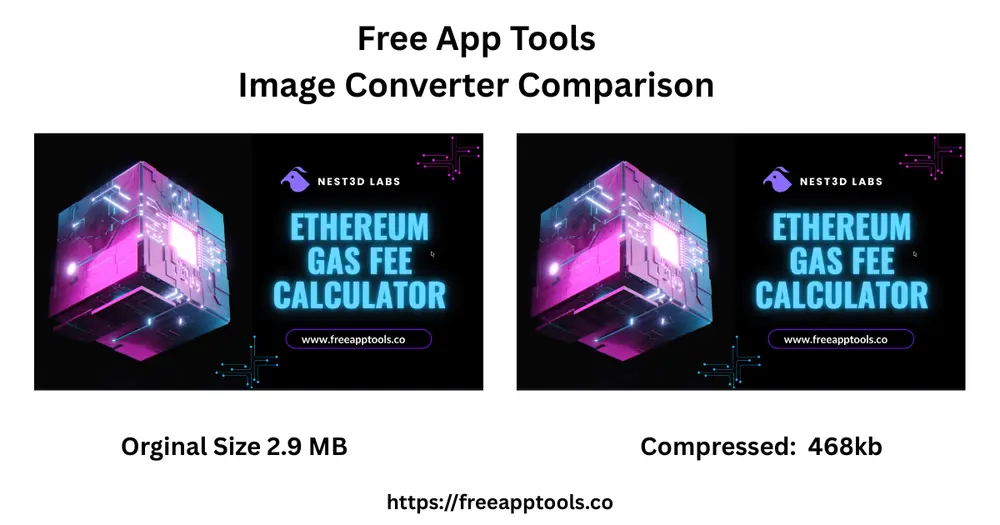
The Problem: Why Your "High-Quality" Images Are Killing Your Site
We live in a visual world. We want retina-ready, 4K graphics everywhere. But there is a massive hidden cost to quality: File Size.
A single, unoptimized photograph from a modern DSLR camera can easily exceed 20 MB. Even a standard screenshot can be 5 MB if saved as an uncompressed PNG.
When a user visits your website, their browser must download every single byte of data on that page before it fully renders. If your homepage has 10 MB of images, a user on a average 4G connection might be waiting 5–10 seconds just to see your content.
Here is what happens when you don't use an image compressor:
- High Bounce Rates: shows that as page load time goes from 1 second to 3 seconds, the probability of a bounce increases by 32%. If your images make the page load in 5 seconds, that probability leaps to 90%.
- SEO Penalty: Speed is a direct ranking factor for Google (part of their Core Web Vitals). If your site is slow because of heavy images, Google will push you down the search results, preferring your faster competitors.
- Wasted Storage & Bandwidth: If you host your own site, you pay for storage and data transfer. Large images multiply these costs unnecessarily.
The Solution: Smart Compression and Smart Conversion
An Image Compressor Online solves this by using advanced algorithms to remove data from the image file that the human eye cannot detect. This is known as "lossy" compression (though "lossless" options exist for specific needs).
But compression is only half the battle. To truly optimize, you need an Image Converter Online to switch your files to the most efficient format for the job.
The Big Three Formats: Choosing Your Weapon
Your tool must support the three pillars of web imagery:
- JPEG (Joint Photographic Experts Group): The veteran. Ideal for complex photographs with lots of colors and gradients. It does not support transparency.
- PNG (Portable Network Graphics): Best for graphics, logos, and screenshots that require sharp lines, flat colors, or transparent backgrounds. Its file sizes are traditionally large.
- WEBP (The Modern Standard): Developed by Google, WEBP is the current king of web formats. It offers superior compression to both JPEG and PNG while supporting transparency. Converting JPEG/PNG to WEBP is the single best optimization you can make.
Real-World Use Case 1: The E-Commerce Store (Boosting Sales)
[Image Idea 2: An product page screenshot. Zoomed-in on a jacket thumbnail. Below it, text reads: "Optimized WEBP: 15KB - Page Loads Instantly." Below that, a sad face and text: "Unoptimized PNG: 450KB - Page Lags, Customer Bounces."]
Imagine you run an online clothing store, "StyleHub." You have 500 products. Each product page has a main image, three gallery shots, and a thumbnail.
If you don't optimize, your catalog might look like this:
- Main Images: 500 x 500 KB = 250 MB
- Gallery Shots: 1500 x 300 KB = 450 MB
- Thumbnails: 500 x 100 KB = 50 MB
- Total Catalog Size: 750 MB
Now, let's look at the optimized catalog using our Image Compressor Online and converting to WEBP:
- Main Images (Optimized WEBP): 500 x 50 KB = 25 MB
- Gallery Shots (Optimized WEBP): 1500 x 30 KB = 45 MB
- Thumbnails (Optimized WEBP): 500 x 5 KB = 2.5 MB
- Total Catalog Size: 72.5 MB
That is a 90% reduction in storage!
The Sales Impact
When a customer on a mobile device browses StyleHub, the unoptimized category page (with 20 thumbnails) might require 2 MB of data just to load the grid. On optimized WEBP, that same page needs only 100 KB. The optimized page loads instantly, creating a smooth shopping experience that encourages users to click "Add to Cart." The unoptimized page lags, frustrating the user and causing them to abandon their session.
Real-World Use Case 2: The Portfolio (Balancing Quality & Speed)
Professional photographers are understandably terrified of compression. They spend hours perfecting the grain, color balance, and sharpness of an image. The idea of "losing data" is painful.
However, a portfolio that doesn't load is a portfolio that doesn't get viewed.
How to Use the Tool Correctly for Portfolios:
- Upload the High-Res Master: Upload your full-quality JPEG.
- Set the Target Format: Keep it as JPEG for maximum color fidelity across older devices, or use WEBP for modern compatibility.
- Adjust the Compression Slider: This is critical. Don't use default settings. Set the quality level to a custom value, like 80–85%.
At 80% quality, the file size reduction is dramatic (often 60–80% smaller), but the visual difference is essentially zero. The essential "character" and detail of the photo are preserved, but the bloated background data is stripped out.
Now, when an art director views your portfolio, they see your work immediately and crisply, rather than watching it load line by line like it’s 1999.
Real-World Use Case 3: The Tech Blogger (Screenshots & Privacy)
A tech blogger might write a tutorial about the latest software update, which requires 15 screenshots to illustrate the steps. If these are saved as full-resolution PNGs (the default on most operating systems), each one could be 3–5 MB.
A 15-step tutorial suddenly becomes a 60 MB page load. No one will read it on mobile.
The Blogger’s Workflow:
- Batch Upload: Our Image Compressor Online supports batch processing, allowing the blogger to upload all 15 screenshots simultaneously.
- Convert to PNG (or WEBP with Transparency): Since screenshots are graphics with flat colors and text, the blogger should either use a high-compression PNG setting to keep text sharp or convert to WEBP to save even more space while retaining transparency.
- Remove Metadata: This is the pro move. Your React code includes a key feature:
removeMetadata. Default screenshots often capture hidden EXIF data, including the date, time, operating system, and sometimes even the GPS location of where the screenshot was taken. Stripping this data protects the blogger's privacy and saves a few more precious kilobytes on every image.
By combining conversion (PNG to WEBP), compression (set to 75% quality), and metadata removal, those 60 MB of screenshots become 3 MB, making the blog post incredibly fast and responsive.
Security First: Why "In-Browser" Tools Are the Pro Standard
A massive advantage of a modern tool, like the one built in our React example, is that no processing happens on a remote server.
Traditionally, online converters required you to upload your sensitive images to their server. You had no guarantee that they weren't storing, viewing, or selling your data. For many businesses (handling legal documents or sensitive product leaks), this was a dealbreaker.
A modern, secure Image Compressor Online uses sophisticated client-side technologies (like JavaScript, Canvas, and Web Workers). Your files are processed locally within your own browser.
- You Upload: The file goes into your browser's memory, not a server.
- The Tool Compresses: The math happens on your CPU.
- You Download: The resulting file is generated right there on your computer.
This "no uploads, no storage" model provides the ultimate privacy and security, making it safe for corporate use.
Final Thoughts: Make Optimization Part of Your Workflow
Image optimization shouldn't be an afterthought; it should be an automated step in your publishing workflow.
Large images are an obstacle. They stand between your user and your content. An Image Compressor Online combined with an Image Converter Online removes that obstacle, enabling a fast, secure, and visually stunning web experience.
Don’t let heavy files slow you down. Start optimizing today, save bandwidth, protect your privacy, and watch your user engagement (and SEO rankings) soar.
Created @ NESTED LABS


